Magnific AI Review (2026): Is This AI Image Upscaler Worth the Hype?

What is Magnific AI?
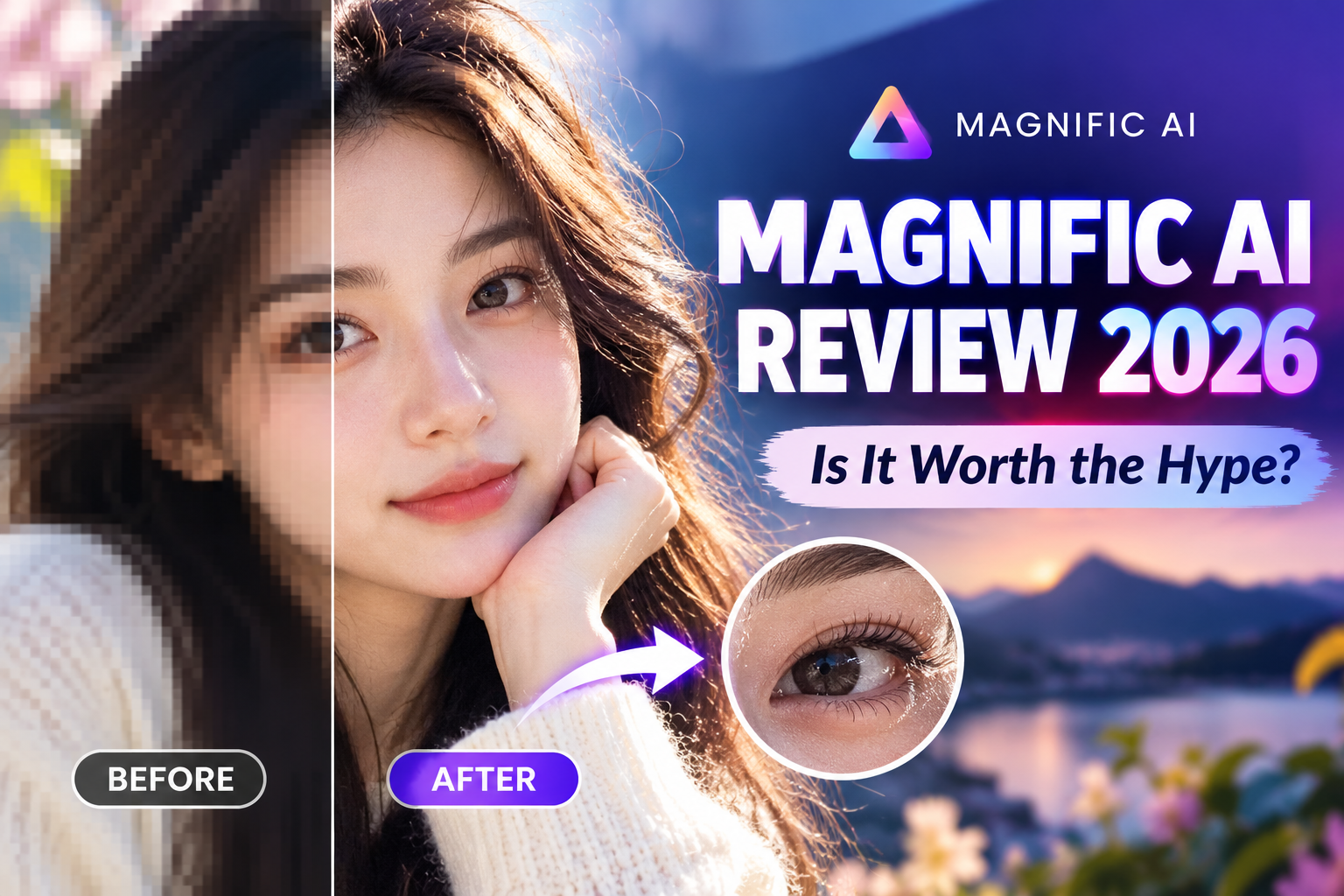
Magnific AI is an advanced AI-powered image upscaler and enhancer. It goes beyond conventional upscaling methods by leveraging AI prompts and parameters to add intricate details, textures, and depth to your original images.
Whether you start with a rough midjourney render, an old digital photograph, or a 3D graphic, Magnific AI allows you to upscale up to 8x or 16x while intelligently adding details like skin pores, fabric weaves, landscape features, and realistic lighting.
Key Features of Magnific AI
1. Generative Upscaling & Hallucination Control
Magnific doesn't just enlarge your image—it creates new details based on your input. You have full control over the Creativity slider, which dictates how much new detail the AI can "hallucinate" while staying true to the original composition.
2. Prompt-Guided Enhancements
One of Magnific’s unique capabilities is allowing users to guide the upscaling process using text prompts. If you want a portrait to have "cinematic lighting, ultra-detailed skin texture, 8k resolution," you can simply type it into the prompt box to steer the final aesthetic..jpg)
3. Multiple Presets for Different Workflows
To optimize results across various industries, Magnific provides specialized presets:
-
Portraits & People: Enhances skin, eyes, and hair without creating unnatural artifacts.
-
Art & Illustrations: Keeps artistic styles intact while increasing line sharpness and clarity.
-
3D Renders & Sci-Fi: Adds intricate micro-textures to surfaces, metals, and environments.
-
Landscapes & Architecture: Sharpen structures, leaves, and atmospheric depth.
4. High-Resolution Output
Magnific can upscale images to extremely high resolutions, making it ideal for print media, digital billboards, high-res marketing assets, and professional portfolios.
How Does Magnific AI Work? (Step-by-Step)
Using Magnific AI is straightforward, even for beginners:
-
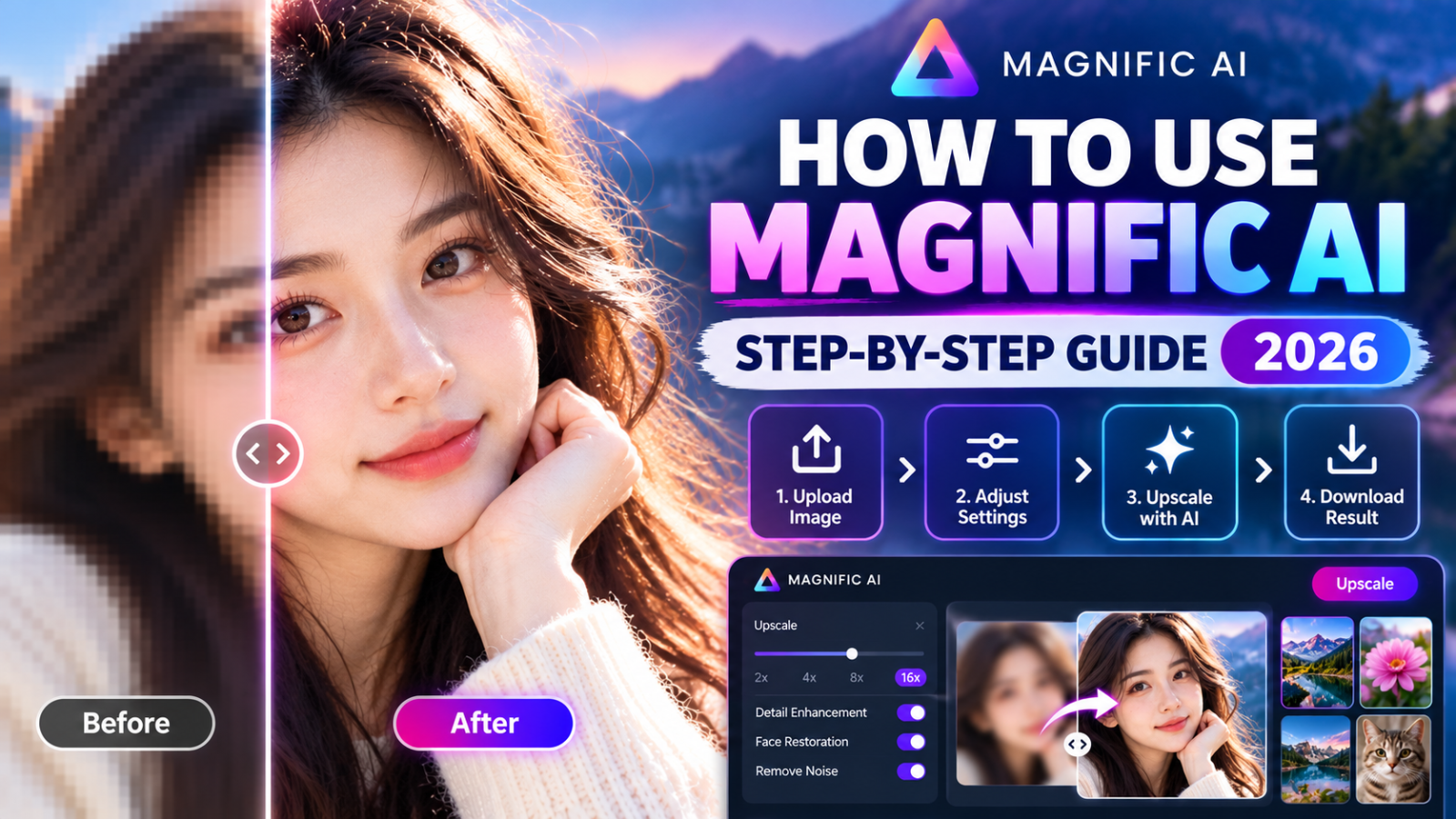
Upload Your Image: Drag and drop any image (JPEG, PNG) into the dashboard.
-
Select Your Preset: Choose the preset that best matches your image type (e.g., Portrait, Film, Art).
-
Adjust Parameters:
-
Creativity: Higher values add more new details; lower values keep it closer to the original.
-
Resemblance: Controls how strictly the output mirrors the source image.
-
Fractality: Adds complex repeating details for macro shots or intricate designs.
-
-
Add Prompts (Optional): Enter descriptive keywords to guide the generation.
-
Upscale & Download: Click Upscale, wait a few seconds, and download your high-resolution result.
Pros & Cons of Magnific AI
Pros
-
Unrivaled Detail Generation: Produces cleaner, more realistic details than standard upscalers.
-
Highly Customizable: Precise sliders give creators complete control over the creative output.
-
Versatile Across Media: Works exceptionally well for AI art, photography, 3D designs, and graphic art.
-
User-Friendly Interface: Intuitive design with side-by-side comparison tools.
Cons
.jpg)
-
Subscription-Based: Premium tool designed primarily for professionals and dedicated creators.
-
Credit System: Upscaling high-resolution or complex images uses generation credits.
Who Should Use Magnific AI?
-
AI Artists & Midjourney Users: Turn lower-resolution AI-generated concepts into print-ready artwork.
-
Photographers & Editors: Restore old photos or enhance clarity for client deliverables.
-
Graphic Designers & Marketers: Create crisp, ultra-high-definition visual assets for websites and campaigns.
-
3D Artists & Concept Designers: Add hyper-realistic surface textures to 3D renders without long rendering times.
Final Verdict: Is Magnific AI Worth It?
If you are serious about visual content creation and need industry-leading image enhancement, Magnific AI is undoubtedly one of the best tools on the market today. Its ability to intelligently generate fine details while maintaining structural integrity sets it far apart from traditional upscalers.
While it is a professional-grade tool, the time saved and the quality boost delivered make it a worthy investment for creators and businesses alike.
Popular Blog


.jpg)