Magnific AI vs Top AI Upscalers (2026): Detailed Comparison & Honest Review

However, with several powerful competitors on the market, is Magnific AI truly the best choice for your workflow?
Before diving into our deep-dive review of Magnific AI, let’s compare it against the other leading AI image enhancers: Topaz Gigapixel AI, Upscayl, and Midjourney (V6/V7 Upscaler).
1. Magnific AI vs Other Top AI Upscalers: Quick Comparison
| Feature / Tool | Magnific AI | Topaz Gigapixel AI | Upscayl | Midjourney Upscaler |
| Primary Technology | Generative AI & Prompt Control | Machine Learning & Noise Reduction | Open-Source AI Models | Diffusion Upscaling |
| Hallucination / Detail Creation | Extremely High (Adds new textures) | Low to Medium (Focuses on clarity) | Low (Retains original pixels) | Medium (Subtle texture addition) |
| Upscale Factor | Up to 8x / 16x | Up to 6x | Up to 4x | Up to 2x / 4x |
| Prompt Guidance | Yes (Custom prompts steer details) | No | No | No |
| Best For | AI Artists, 3D Renderers, Concept Art | Photographers, Print & Archival Work | Budget Users & Offline Local Processing | Midjourney Native Workflow |
2. Why Choose Magnific AI Over Competitors?
While traditional upscalers like Topaz Gigapixel AI excel at preserving original camera sensor details without distortion, Magnific AI operates on a completely different level:
-
Generative Hallucination: Instead of just sharpening existing blur, Magnific intelligently predicts and creates intricate new elements—such as individual hair strands, skin pores, fabric weaves, and subtle background textures.
-
Precise Slider Controls: You get full control over Creativity, Resemblance, and Fractality sliders, allowing you to choose whether you want a subtle enhancement or a complete artistic reimagining.
-
Text-Prompt Steering: You can guide the AI on what details to add (e.g., "cinematic film grain, highly detailed 8k photography, realistic leather texture").
3. Comprehensive Magnific AI Review
Key Features
-
Industry-Specific Presets: Dedicated engines for Portraits, 3D Renders, Illustrations, Landscapes, and Sci-Fi Art.
-
Ultra-High Resolution Output: Upscale low-res AI concepts or digital drafts into massive print-ready files suitable for billboards, digital posters, and commercial portfolios.
-
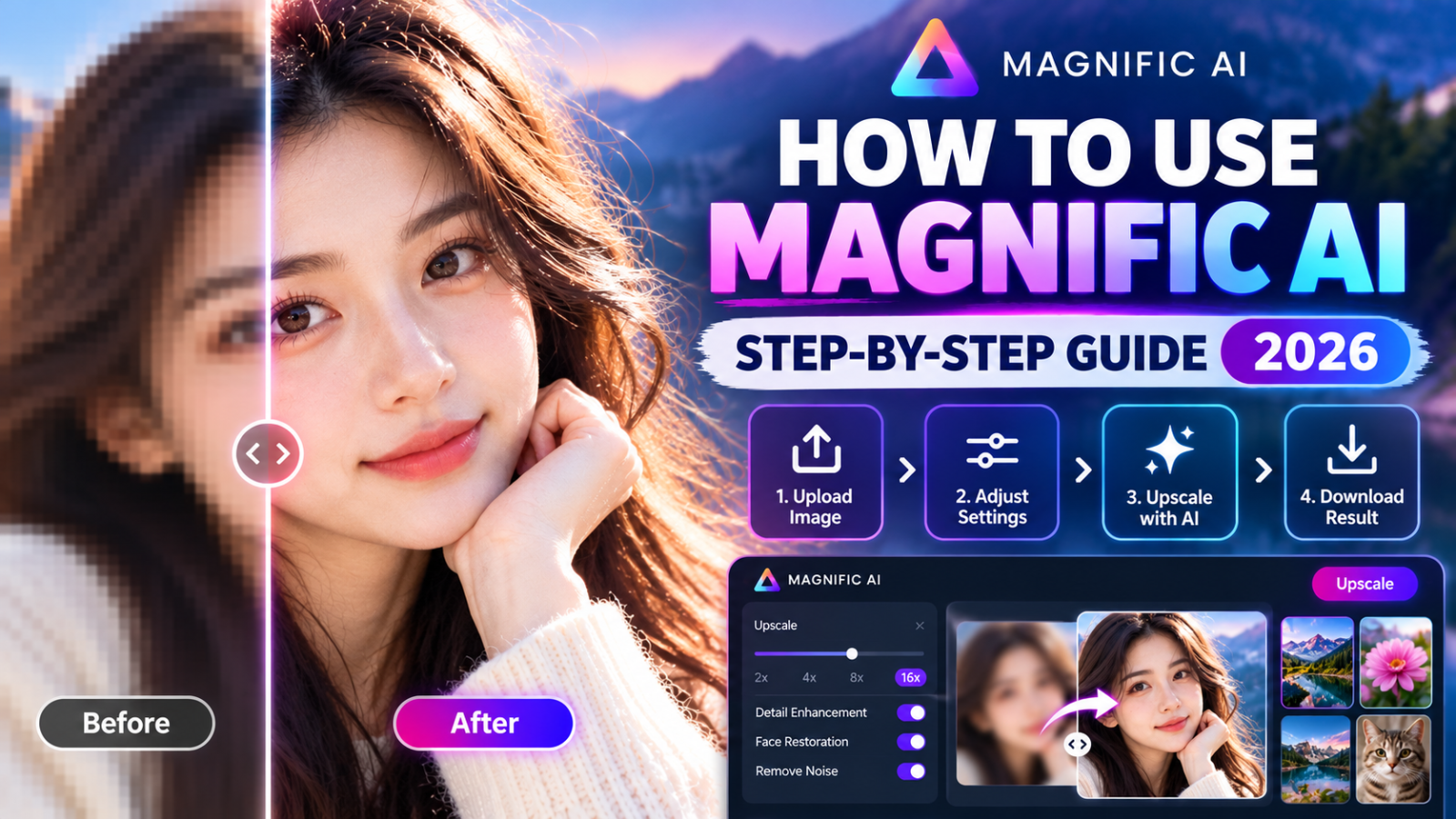
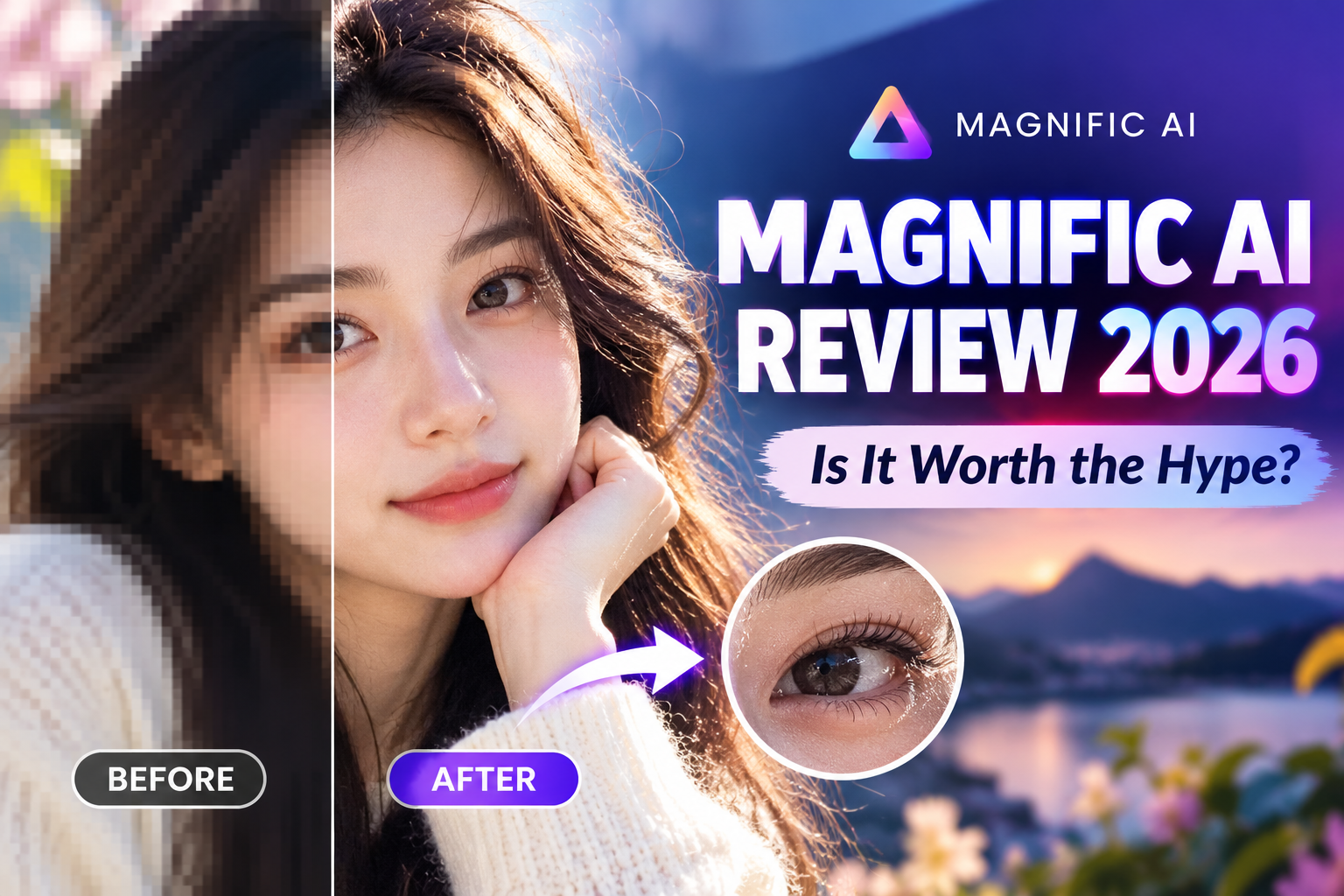
Intuitive Side-by-Side Comparison: Easily compare your raw source image with the enhanced version using a split-screen slider before downloading.
Pros and Cons
Pros:
-
Unmatched detail addition for generative AI artwork and 3D graphics.
-
Highly customizable sliders prevent "over-cooked" or artificial looks when tuned correctly.
-
User-friendly interface that requires no technical hardware setup.
Cons:
-
Requires an active internet connection and subscription.
-
Highly detailed generation requires balance; setting creativity too high can alter original facial features.
4. Final Verdict: Is Magnific AI Worth It?
If you are an AI creator, digital artist, photographer, or 3D designer who needs commercial-grade, hyper-detailed images, Magnific AI is undoubtedly the most capable generative upscaler on the market today.
It bridges the gap between low-res AI renders and ultra-HD commercial assets seamlessly.
Claim Exclusive Discounts & Deals for Magnific AI!
Looking to get the best value on your subscription or explore special promotional codes before signing up?
Click Here to Get the Latest Magnific AI Promo Codes & Deals at GreatsCoupons
(Note: Save this link to check for verified active offers and special promotional updates before upgrading your plan!)
Popular Blog

.jpg)